
How It Works From sign-up to organized CRM workflows
Four steps to get started
Start with core CRM workflows, then add supported integrations and automation as needed.
Sign up and import your data
Create your account and import contacts from a list or supported source. ParsaLink can flag matching email addresses so you can review potential duplicates and organize records with customizable fields.
Connect your integrations
Connect supported services such as Google Workspace, Microsoft 365, or Twilio to use the available calendar, email, document, calling, and messaging features. Setup and permissions depend on the integration.
Review your CRM activity
Use CRM records, tasks, follow-up queues, and available activity history to review what needs attention. Parsa AI can help answer questions about your CRM data and draft next steps.
Prepare follow-ups with AI
Ask Parsa AI questions about your pipeline, review AI-drafted follow-up emails, and configure trigger-based automations for supported actions.
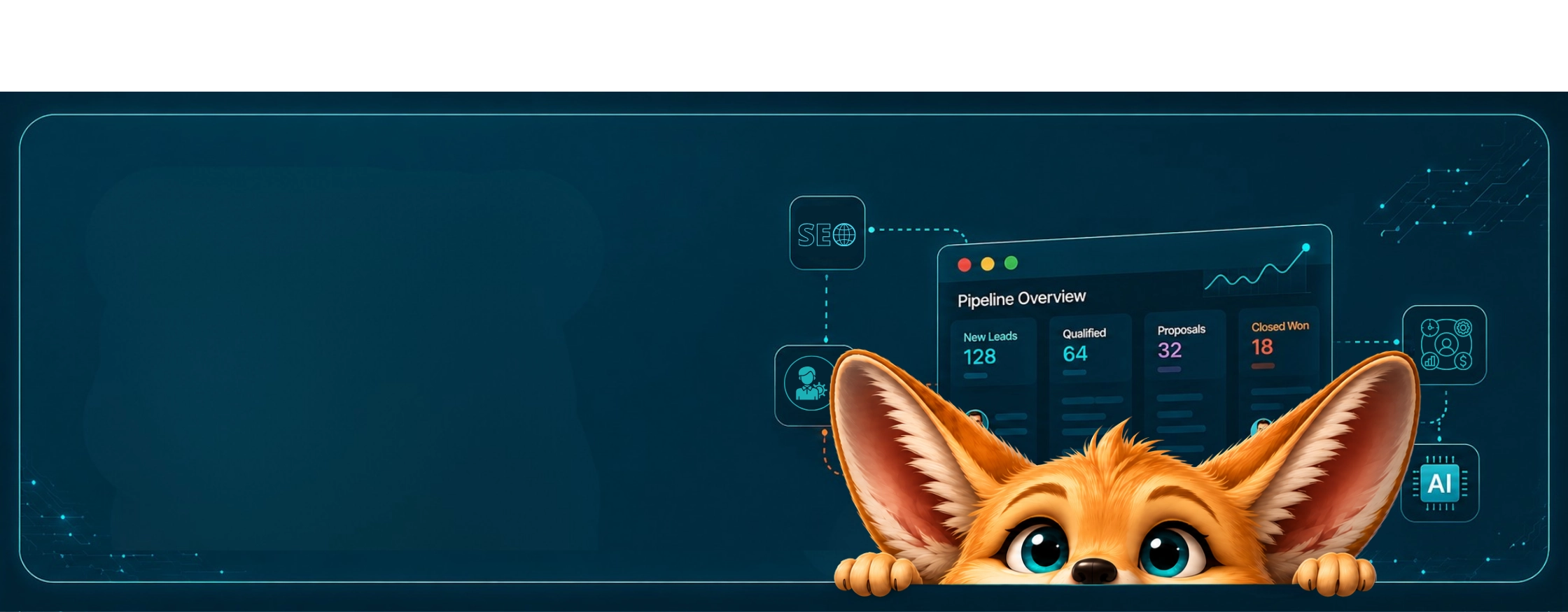

Everything your
business needs
in one platform
Stop juggling scattered tools. ParsaLink brings your CRM, email, automations, and AI assistant into one connected platform.
ParsaLink AI Assistant
CRM + Website + Email, one assistant
AI responses may contain errors • Verify important information